New Aadhaar App 2026: A Simple Guide to mAadhaar’s Replacement & Where to Download It
If you have the old mAadhaar app on your phone, here is some news you will want to know. UIDAI is slowly retiring it and has rolled out a brand new Aadhaar app. The good news? It is simpler, safer, and lets you share your Aadhaar without ever handing over a photocopy. In this guide, we will walk you through what has changed, what the new app can do, and most importantly, where to get it from the right place so you stay safe from fake apps.
A quick note. Yojana Express does not provide, host, or distribute any app. We only guide you to the official government sources. Always download the Aadhaar app directly from UIDAI’s official channels listed below.
Table of Contents
So, what is happening with mAadhaar?
In simple terms, the old mAadhaar app is on its way out. UIDAI has said it will be discontinued soon and replaced by the new Aadhaar app. If you use mAadhaar to carry your Aadhaar on your phone, there is no need to panic. Just plan to move to the new app over the coming weeks so you do not face any interruption.
What can the new Aadhaar app do?
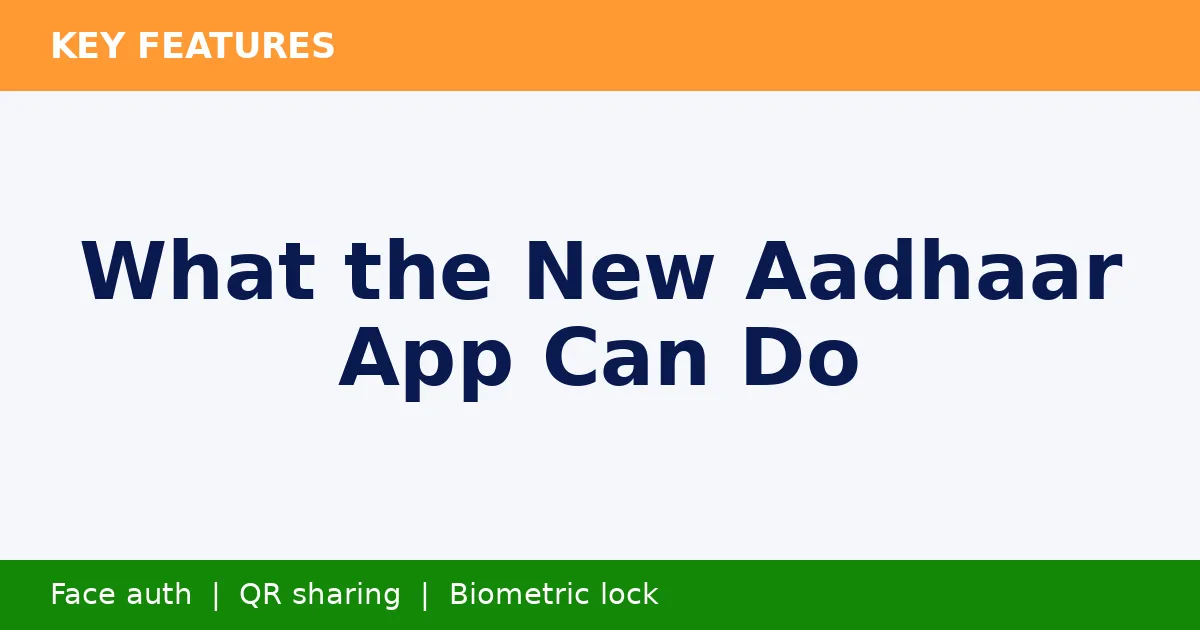
Think of it as your Aadhaar, but smarter and more private. Here is what you get.
- Face authentication. Verify yourself with a quick face scan, no fingerprint machine needed.
- QR code sharing. Instead of giving a photocopy, you simply let someone scan a QR code. Handy at hotels, hospitals and government counters.
- You control your biometrics. Lock or unlock your fingerprint, face and iris data right inside the app, whenever you want.
- Share only what is needed. Choose exactly which details to show, like name or age, and keep the rest private.
- Works offline too. Once set up, you can verify your identity even without internet, using a secure QR code.
- One Family, One App. Manage up to five family members’ Aadhaar profiles on a single phone.
Where to download it (official sources only)
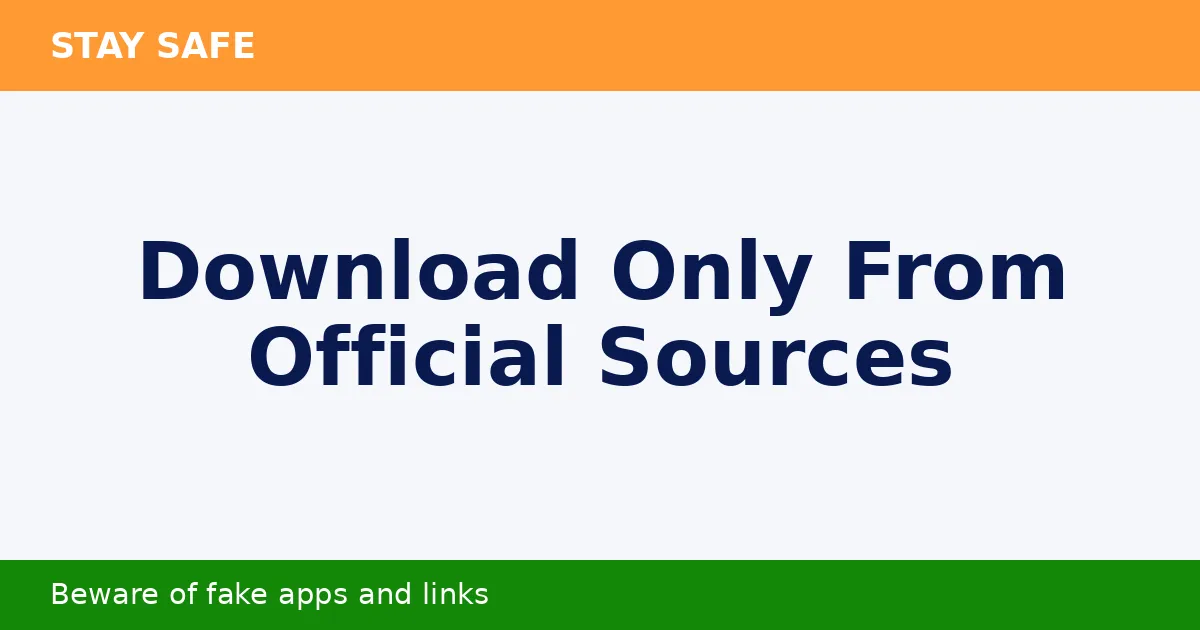
This is the part to be careful about. To stay safe, only use these official channels.
- Android (Google Play Store). Search for the “Aadhaar” app by UIDAI, or visit the official listing at play.google.com/store/apps/details?id=in.gov.uidai.pehchaan.
- iPhone (Apple App Store). Search for the official “Aadhaar” app published by UIDAI.
- Official website. For links and the latest information, always refer to uidai.gov.in.
Safety tip. Never download the Aadhaar app from random links, messages, or unknown websites. The official app is free. If anyone asks you to pay for it or share your Aadhaar number, OTP or password to “install” it, it is a scam.
Setting it up: what to expect
Once you have installed the official app, the setup is quick and straightforward. You will usually do the following.
- Open the app and enter your Aadhaar number.
- Verify using the OTP sent to your Aadhaar registered mobile number.
- Follow the prompts to set up face authentication.
- Create a secure passcode so only you can open the app.
That is it. Your Aadhaar is now ready for QR sharing and offline verification. Tip. Keep your mobile number linked to Aadhaar active, since the OTP is sent there.
Moving over from the old mAadhaar app
There is nothing complicated here. You do not need to transfer anything manually. Just install the new official app, log in with your Aadhaar number and OTP, and add your profile again. Once you are sure the new app is working fine, you can remove the old mAadhaar app from your phone.
Two more Aadhaar changes worth knowing in 2026
Free online document update, now until 14 June 2027
UIDAI has extended the free online document update on the official myAadhaar portal up to 14 June 2027. This is the perfect time to refresh your proof of identity and address at no cost, especially if your Aadhaar is over 10 years old and you have never updated it. After this date, online updates may carry a fee, while updates at an Aadhaar Seva Kendra stay at Rs. 75.
More documents now accepted for updates
Under the Aadhaar (Enrolment and Update) First Amendment Regulations, 2026, UIDAI now accepts a wider range of documents for name, address, date of birth and relationship updates. These include passport, voter ID, ration card, bank and insurance papers, educational records, marriage and divorce certificates, and gazette notifications. Each document must be valid, not expired, and in your own name.
Quick answers to common questions
Is mAadhaar still working right now?
Yes, for now. UIDAI plans to discontinue it soon, so it is wise to switch to the new app early.
Does the new app cost anything?
No. The official Aadhaar app by UIDAI is completely free. Anyone asking for payment is not genuine.
Do I need internet to use it?
You will need internet for the first time setup and OTP login. After that, offline verification through QR codes works without internet.
Disclaimer. Yojana Express is an independent information portal and is not affiliated with, endorsed by, or connected to UIDAI or the Government of India. We do not provide, host, or distribute the Aadhaar app or any government service. This article is for general information only. For downloads, official services, and the latest rules, always rely on UIDAI’s official website (uidai.gov.in) and the official myAadhaar portal. Never share your Aadhaar number, OTP, or password with anyone.